Bluebonnet Math Parent Resource Page

Dear DPISD Families,
Thank you for partnering with us in your child’s education! We know learning doesn’t stop when the school day ends, and we want to make it easier for you to support your child at home.
Our Department of Instruction, together with our Instructional Coaches, has created a Bluebonnet Math Parent Resource Page just for you. This page is designed to help you understand the math strategies your child is learning and how you can reinforce them at home.
Why are these strategies important? They help students become confident, fluent problem-solvers who truly understand math concepts—not just memorize steps. This strong foundation allows them to apply math at higher levels and in real-world situations beyond the classroom.
On the resource page, you’ll find:
· Short videos showing how to use new strategies at home
· Connections to state standards so you know what’s expected
· Examples of STAAR questions to see how these strategies appear on the state test
We’re starting with resources for the first few modules and lessons and will keep adding more throughout the year.
Thank you for working with us to help every child succeed. Together, we can make math meaningful and achievable for all students!
HOW TO ACCESS THE PARENT RESOURCE PAGE:
The easiest way to access the Parent Resource Page is to click the following link. If you are not already logged into your Canvas account, it will prompt you to do so.
https://dpisd.instructure.com/courses/69698
You can also log into your Canvas account on the District website. Go to www.dpisd.org, scroll down until you reach the QUICK LINKS section, and click the red box marked "Canvas." You can also download the Canvas app and login using it.
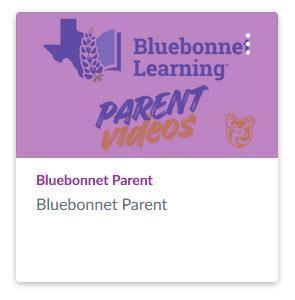
Once you've accessed your Canvas account, click the "Dashboard" tab on the left side of the screen, and click the "Bluebonnet Learning Parent Videos" graphic:
Next, you will see the Parent Videos main page, which allows you to choose your child's grade level and select the instructional module with which you'd like help.
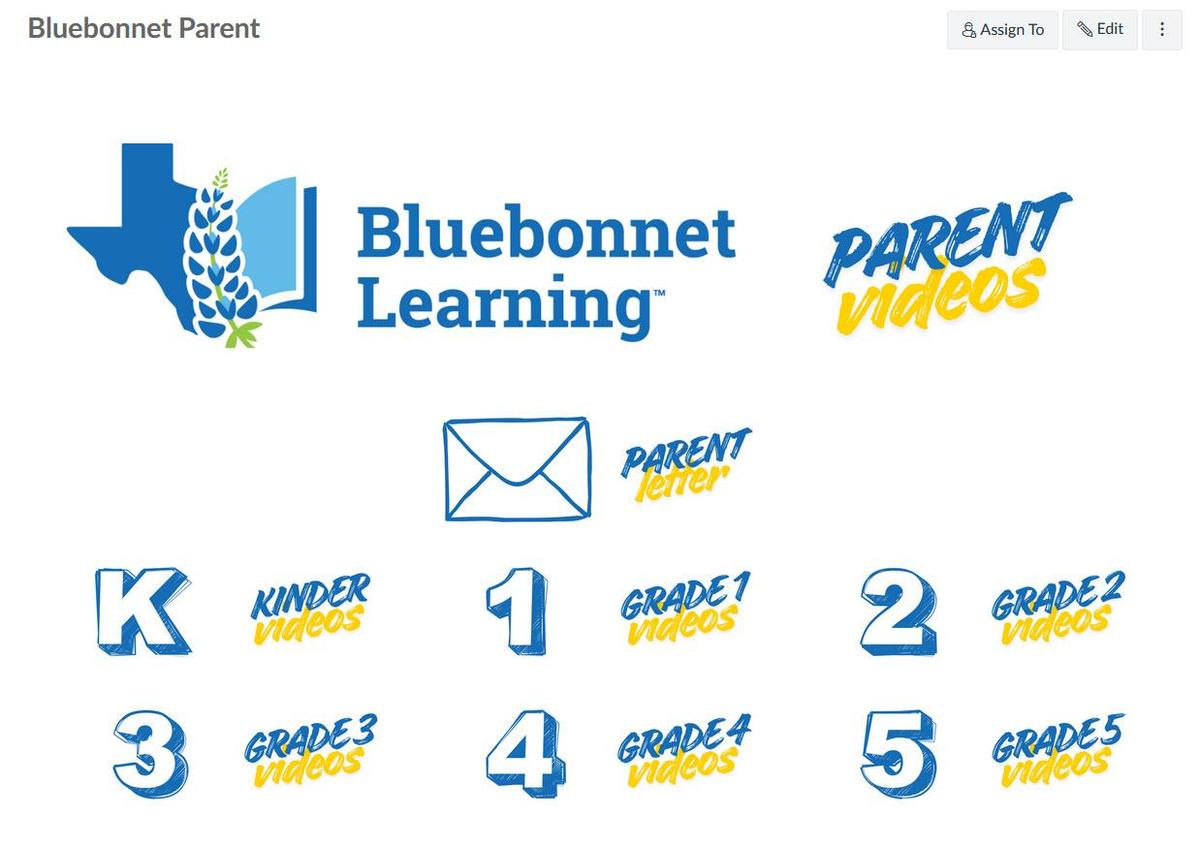
Each module includes "Tips for Families," and several modules are supported with a short video.
That's it!
For more information about Canvas, see our FAQ at: